Connecting to the Vehicle’s Object Storage
In the previous module, we deployed MinIO storage in our autonomous vehicle with the inference bucket containing the AI models. Now, we need to connect our Red Hat OpenShift AI environment running on SNO) directly to the vehicle’s MinIO instance. This connection will allow us to:
-
Access the AI models currently running in the vehicle
-
Save the retrained models directly to the vehicle’s storage once training and validation is complete
Create DataConnection
Red Hat OpenShift AI uses DataConnection resources (stored as OpenShift secrets) to connect data science projects to external object storage buckets. We will create a connection pointing to the MinIO instance running in our autonomous vehicle.
-
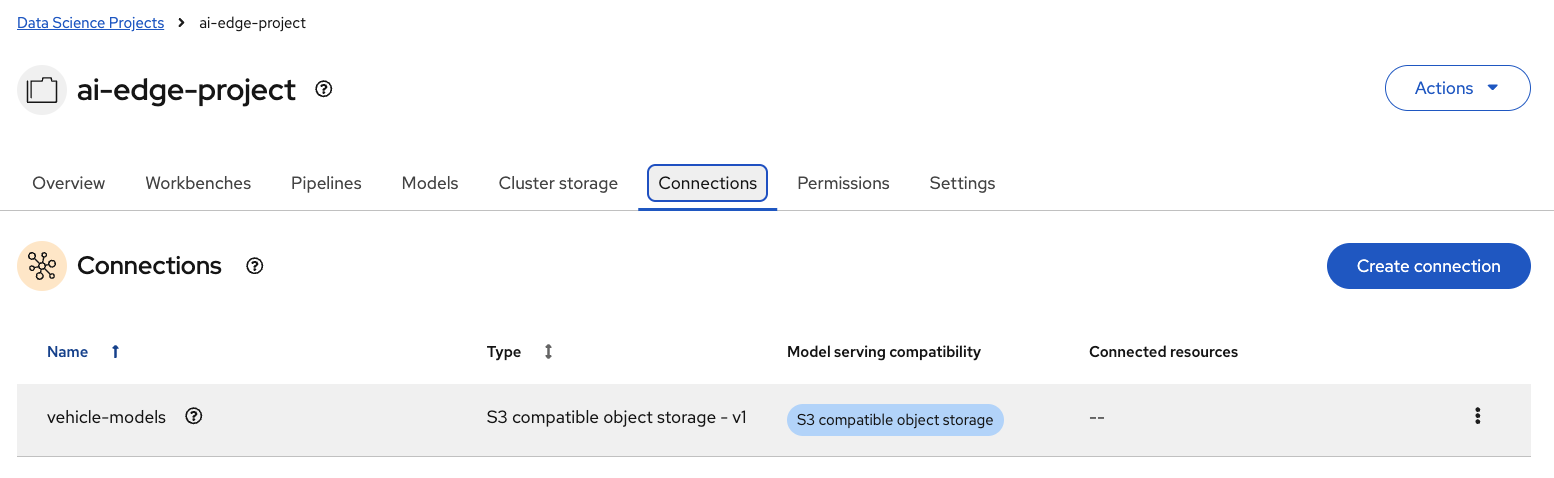
Open the OpenShift AI web console and navigate to the Connections tab within your project. Then, select Create connection.
-
In the pop-up window, complete the following fields:
-
Connection type: Select
S3 compatible object storage - v1 -
Connection name:
vehicle-models -
Access key:
minio -
Secret key:
minio123 -
Endpoint:
http://minio-microshift-vm.microshift-001.svc.cluster.local:30000 -
Region:
us-east-1 -
Bucket:
inference
-
-
Click Create to save the connection.
A new Secret called aws-connection-vehicle-models will be created in your project namespace, containing all the specified values stored in base64 format. This connection establishes the bridge between the SNO re-training environment and the vehicle’s model storage, enabling the automated model update cycle described in the architecture.