Test and Query inference endopoints
The Inference endpoint enables you to interact with the model and return predictions based on data inputs. We can test the connection with our models from a Jupyter Notebook:
-
Navigate back to the Jupyter Notebook environment that we used for model training.
-
Locate in the
notebooks>servingfolder the query_models.ipynb notebook.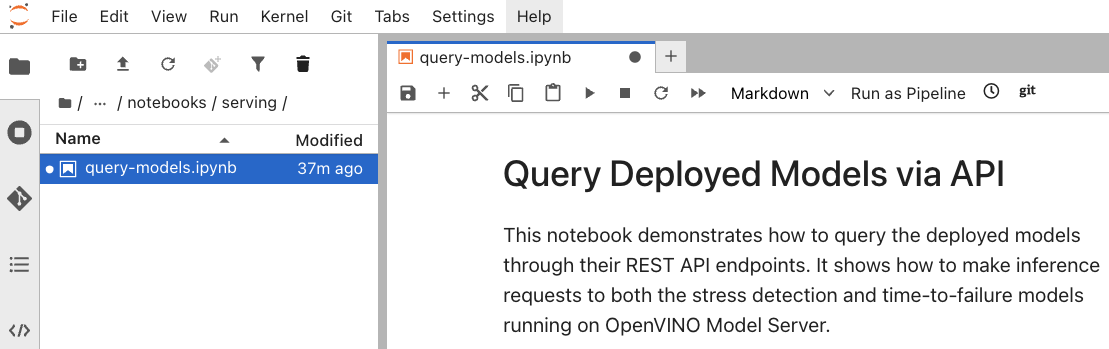
-
Make sure the code in the first cell is pointing to the correct inference URL:
http://stress-detection-predictor.ai-edge-project.svc.cluster.local:8888 -
Run the first cells to interact with the Stress Detection model.
-
If everything is correctly configured, we should get a response based on the input data.
-
Now, verify the correct URL for the time-to-failure inference endpoint:
http://time-to-failure-predictor.ai-edge-project.svc.cluster.local:888 -
Next, run the cell to test the inference endpoint for the Time to Failure model.
-
Again, we should see a response with the predicted time to failure.
In this section, we have verified that our models are accessible through the endpoint and work correctly.